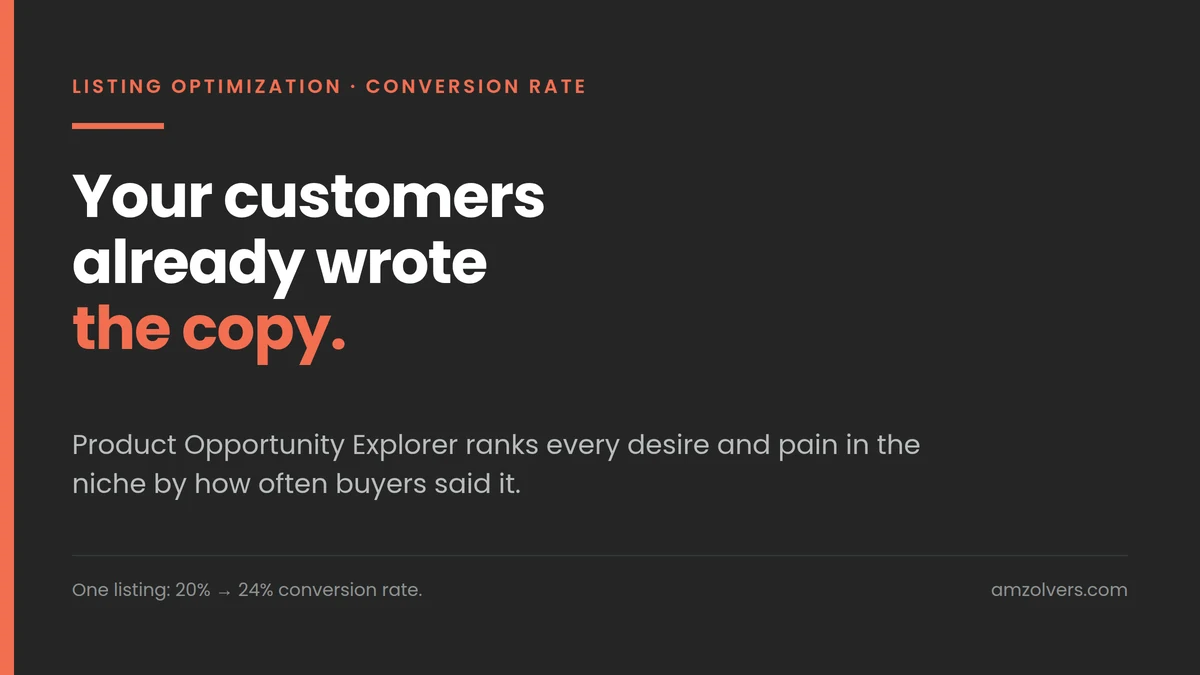
On one client listing this took conversion rate from 20% to 24% and added about $12,000 in revenue. Same traffic, same ad spend, same product. The only thing that changed was what the page said.
Copywriters have been saying the same thing for a century: write to the customer’s desires and their pain points and you will sell more. I am not a copywriter. But the advice has always had a hole in it for sellers, which is that nobody tells you where to find those desires and pains, or what to do with them once you have them.
There are plenty of ways people go looking. Reading a competitor’s one star reviews for an afternoon. Surveys. Guessing. Here is the fastest one, and it is free, and it is already inside your Seller Central account.
Three steps to the raw data
- Open Product Opportunity Explorer.
- Search your niche and open it.
- Click Customer Review Insights.
That is it. What you are now looking at is every desire and every complaint buyers expressed, in their own words, pulled from the reviews of all products in the niche over the past six months, with a percentage next to each one showing how often it was mentioned.
Read that again, because two things in it are unusual.
It is the whole niche, not just your product. So it includes the customers who bought a competitor and were disappointed, which is exactly who you are trying to win.
And it is ranked by frequency. You are not guessing which pain point matters most. The percentage tells you.
Where each point goes
The order matters, because attention on a search results page is not evenly distributed.
The top desire and the top pain go in your title and your main image. These are the only two things a shopper sees before deciding whether to click. Every point below the top one is competing for a click that has already been lost.
Repeat that same top point in the other images. Not a new point. The same one, shown rather than stated. Repetition inside a listing is not a waste of space, it is what makes the promise stick.
Everything else goes into your remaining images and bullets, in the frequency order the tool gave you.
And through all of it, use your customers’ words. If reviews say “does not upset my stomach”, do not write “gentle on digestion”. The first one is what a shopper is already thinking. The second is what a brand thinks a shopper is thinking, and it converts worse.
Where AI is genuinely useful here
The review insights panel gives you dozens of phrases. Turning that into a title, seven images and five bullets is where most people stall. AI is very good at this specific job, as long as you keep it on a leash.
What to hand it: the exported review insight phrases with their percentages, your current title and bullets, and your actual product specs.
What to ask for:
- Cluster the phrases into themes and rank the themes by combined mention frequency. Ten phrases often turn out to be three real ideas.
- Separate what is a desire from what is a pain. They get written differently. A desire is a promise, a pain is a removal.
- Draft ten titles built on the top theme, each keeping your main keyword intact.
- Turn each remaining theme into an image concept: one line of on-image text in the customer’s own phrasing, plus what the picture shows.
- Rewrite your bullets using only phrasing that appears in the source data.
What to do afterwards, without skipping it: check every claim against your product. AI will happily write a benefit your product does not deliver, because it is pattern matching on the niche, not on your item. Anything in health, supplements, safety or medical territory needs a second pass against Amazon’s policies too. Use it to organise and phrase. Do not let it be the source of a claim.
The tool does the sorting and the drafting. You still own whether the sentence is true.
Why this works at all
You are not persuading anyone. You are matching.
A shopper arrives with a specific worry and a specific hope, formed by whatever they read before they got to you. When the first line they see is that exact worry, in the words they would have used, the page stops feeling like an advert and starts feeling like the right product. That is a conversion rate change, and on a listing that already gets traffic it is the cheapest revenue in the account.
Four points of conversion rate on a 20% base is a 20% lift in orders from the same traffic. Nothing about the ads changed to earn that.
Two ways to lose the gain
Rewriting the title so hard you lose the keyword. Indexing and rank are earned. Fit the top desire around your main keyword rather than replacing it, then watch rank for two weeks after the change.
Changing everything on the same day. Title, main image, bullets and A+ at once means you will never know which one moved the number, and if conversion drops you will not know what to roll back. Main image and title first. Give it a full two weeks. Then the rest.
Open Product Opportunity Explorer, find your niche, and read the review insights for twenty minutes. Almost every seller who does this finds that the thing customers complain about most in the category is not mentioned anywhere on their listing.
The conversion rate and revenue figures above are from a client account we manage, reported from the account’s own Business Reports. The brand and its products are not named.